Teams & Collaboration
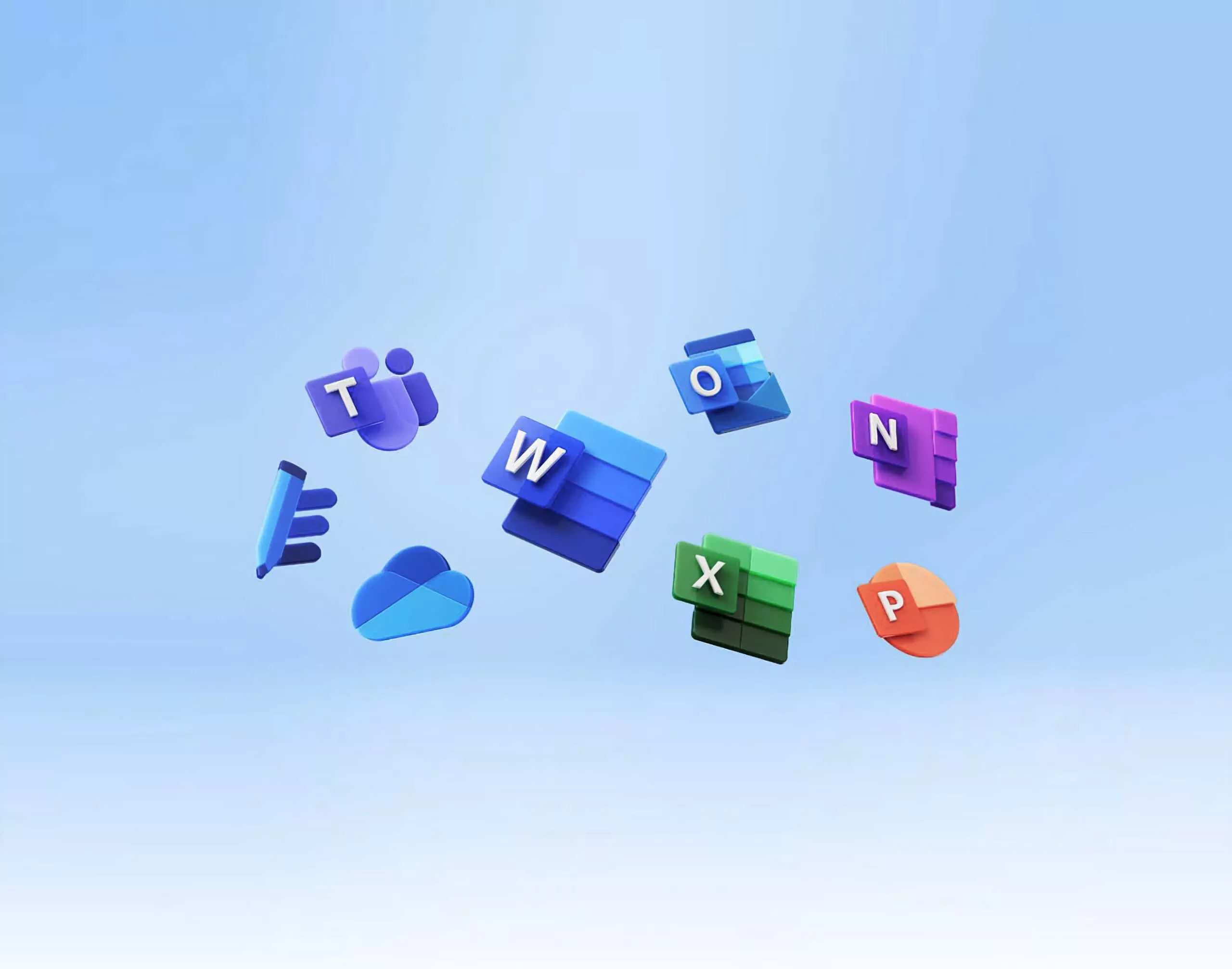
Structure Teams, Microsoft Viva and collaboration spaces around departments, projects, communication and operating needs.
Service Capability
Microsoft 365 can become the collaboration and information layer for a modern organisation when it is structured around real ways of working. PQube helps businesses use Microsoft 365, Teams and SharePoint for collaboration, document management, internal portals, approvals and digital workplace processes.
Business Context
Many organisations have Microsoft 365 licences but still depend on email attachments, shared drives, inconsistent Teams structures and manual approval processes. The challenge is usually not access to tools; it is deciding how collaboration, documents, permissions and workflows should be organised.
Core Capabilities
Focused capabilities that can be combined or phased according to business priorities, existing systems and organisational readiness.
Structure Teams, Microsoft Viva and collaboration spaces around departments, projects, communication and operating needs.
Build document libraries, internal portals and information structures for controlled enterprise content.
Improve document organisation, access and lifecycle practices across the Microsoft environment.
Connect Microsoft 365 with Power Automate and Power Apps for approvals and recurring business processes.
Define ownership, access control, workspace standards and information architecture.
Support rollout, user enablement and ongoing improvement so existing subscriptions produce more business value.
Why PQube Microsoft 365
Many Microsoft 365 projects focus on deployment.
PQube focuses on adoption, governance, collaboration and business process improvement, helping organisations realise measurable value from existing Microsoft investments.
Business Outcomes
Explore Related Capabilities
Use these related capability and industry pages to explore the areas most relevant to your next stage.
Review collaboration, document management and governance priorities across your Microsoft 365 environment.
Schedule a Discovery WorkshopFrequently Asked Questions